

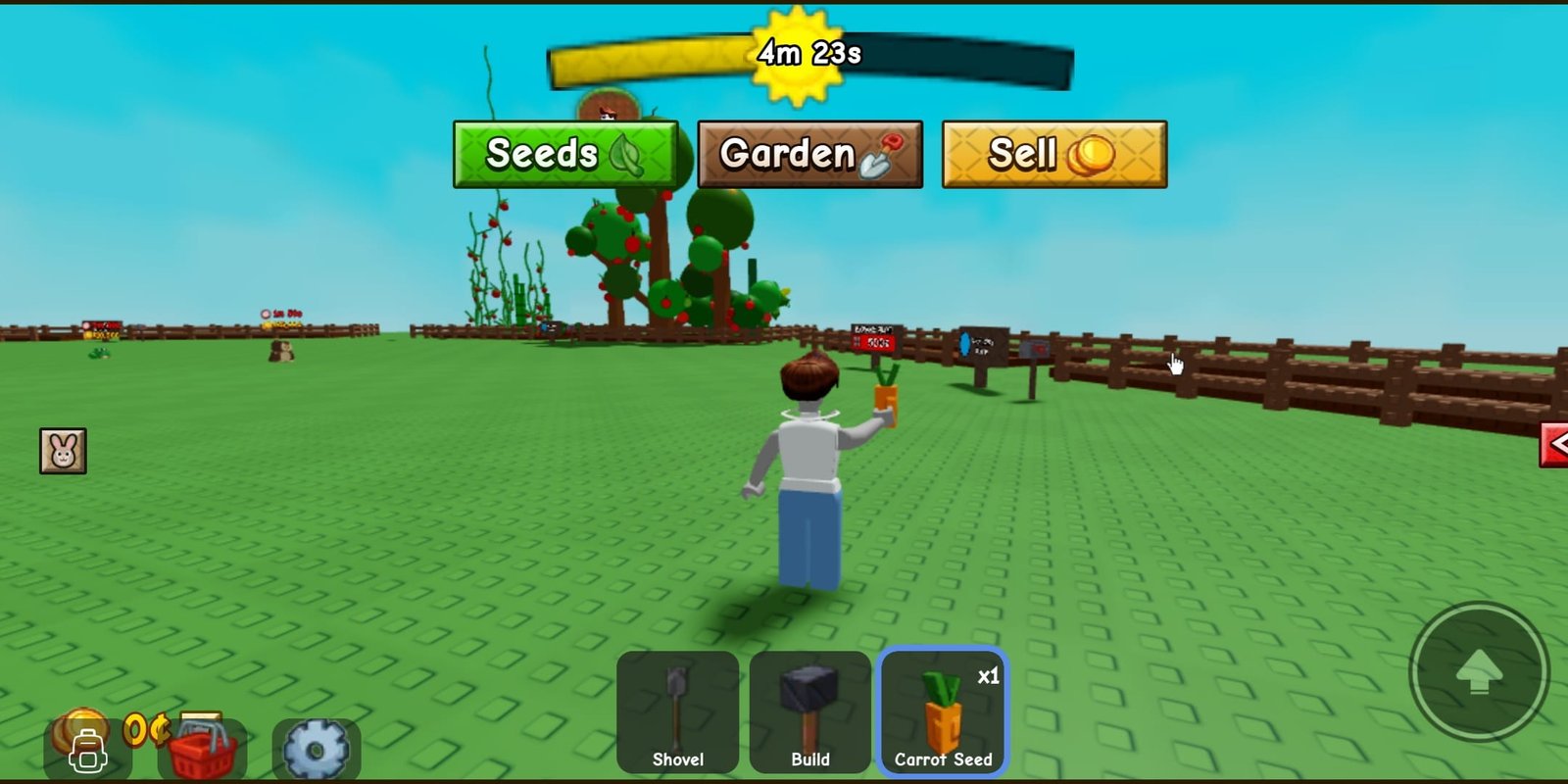

Growing a nice garden in Grow a Garden 2 is not just about putting seeds in dirt and waiting around. You also need to expand your plots, unlock new plants, and upgrade your tools if you want things to keep growing well long term.
Getting all the materials you need just from harvesting and daily quests can feel pretty slow, especially when you are brand new. That is where codes come in handy. The devs release them every so often, and they give you free stuff like seeds, fertilizer, or extra storage. All of this comes without you having to spend Robux or grind for hours.
Last Checked & Verified: October 1, 2026 at 9:37 AM. This guide is regularly by a real player to ensure you do not waste time on expired links.
Active Codes for October 2026
Here is the complete list of confirmed working codes. Each one has been tested to verify its rewards:
- FREESEED: 3x Uncommon Seed Pack (New)
- WATERYOPLANTS: 10 Common Watering Cans.
- REMEMBERTODRINKWATER: 1 Common Watering Can.
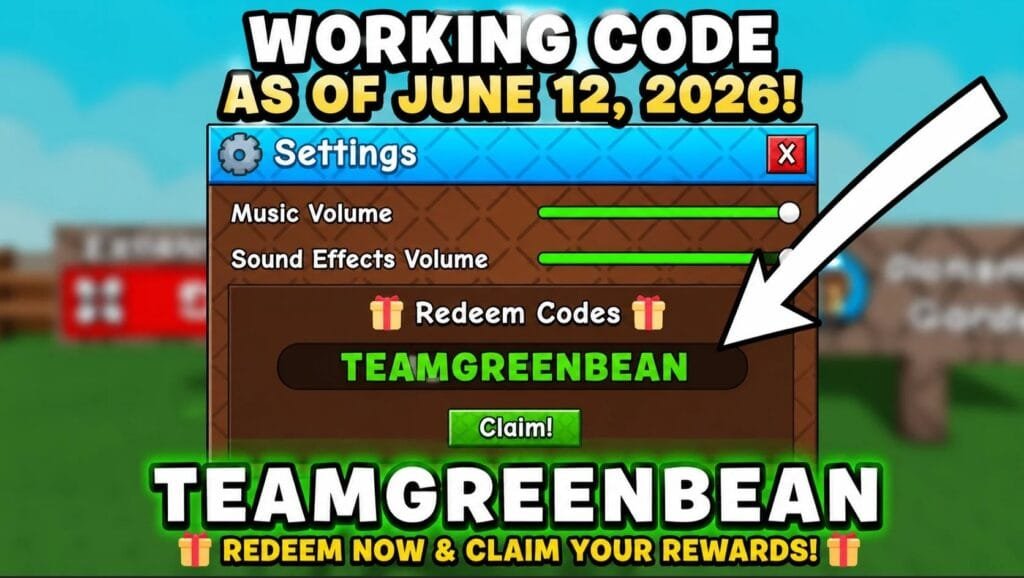
- TEAMGREENBEAN: gives you 3 Green Bean Seeds.
Codes work for free as long as they are active, but they do expire eventually with no warning. It is best to claim them sooner rather than later. I will update this page the second new ones drop or old ones stop working.
Expired Codes List
As of now, there are no expired codes yet. The game launched recently, so no codes have become invalid. We will move codes to this section once they can no longer be redeemed.
Why Bother Using Codes Anyway
Everything you do in this game runs on resources. Each plant grows at its own speed, sells for different amounts, and needs certain conditions to do well. Having a good variety of seeds on hand makes a huge difference in how fast you can open new areas or get your hands on rare crops.
Codes basically just give you a little head start. You can try out plants you have not unlocked yet, skip some of the slower early game grinding, save up your coins for bigger upgrades, and keep any Robux you buy for things like skins, decorations, or limited event items instead.
How to Redeem Codes in Grow a Garden 2
Redeeming your free rewards only takes a few steps inside the game interface. Follow this step-by-step process:
- Launch Grow a Garden 2 on Roblox
- Locate the Gift/Code icon situated on the left side of your main gameplay HUD.
- Carefully type or paste the code exactly as shown above.
- Press the Confirm/Redeem button. Your items will immediately populate your inventory slots
Note. Most codes are case sensitive. If one says it is invalid, double check you did not add an extra space or mix up uppercase and lowercase letters.
Why code not working?
If you receive an error message, the most common culprit is case sensitivity. Roblox codes must match uppercase and lowercase letters exactly. Additionally, ensure your mobile device or browser did not accidently introduce an accidental trailing space at the end of the text box when pasting.
Where to Find More Grow a Garden 2 Rewards
There is no set schedule for when new ones come out. They usually pop up alongside big updates, seasonal events, holidays, or when the game hits a big milestone like a certain number of likes or visits. The easiest way not to miss anything is to bookmark this page and pop back every few days or every months depending when there have a new codes.
- Official Discord Community: Where patch notes and developer sneak peeks are regularly published.
- Unofficial GAG2 Reddit Community: Discussing and sharing latest codes
TIP: This page updated with every new working code for Grow a Garden 2 and other popular Roblox games. Bookmark this page, so you don’t have to sift through multi-page discussion forums.
Advanced Progression Tips: Maximizing Your Free Boosts
While free seeds provide an excellent competitive advantage, building a highly optimized garden requires strategy.
- Crop Rotation: Do not rely on a single plant type. Balance fast-growing, low-yield crops with slower, high-value variants to maintain a fluid coin stream.
- Water Management: Always prioritize upgrading your watering can early. Efficient watering speeds up growth cycles across large plot boundaries significantly.
- Storage Buffering: Use free code items like extra crates to store rare seeds until you have unlocked the optimized plots required to maximize their return on investment (ROI).
More Roblox Game Codes You May Like
We also publish regularly updated code guides for many other popular Roblox titles, so you can find free rewards, boosts, and items for the games you love. Whether you are looking for active and expired codes, step‑by‑step redemption instructions, or extra tips for progression, our full collection covers a wide range of experiences including racing, adventure, role‑play, and simulator games.
Feel free to browse our other posts to get more working codes and stay ahead in your favorite Roblox worlds.
Discover more from wazzuptechph
Subscribe to get the latest posts sent to your email.
