

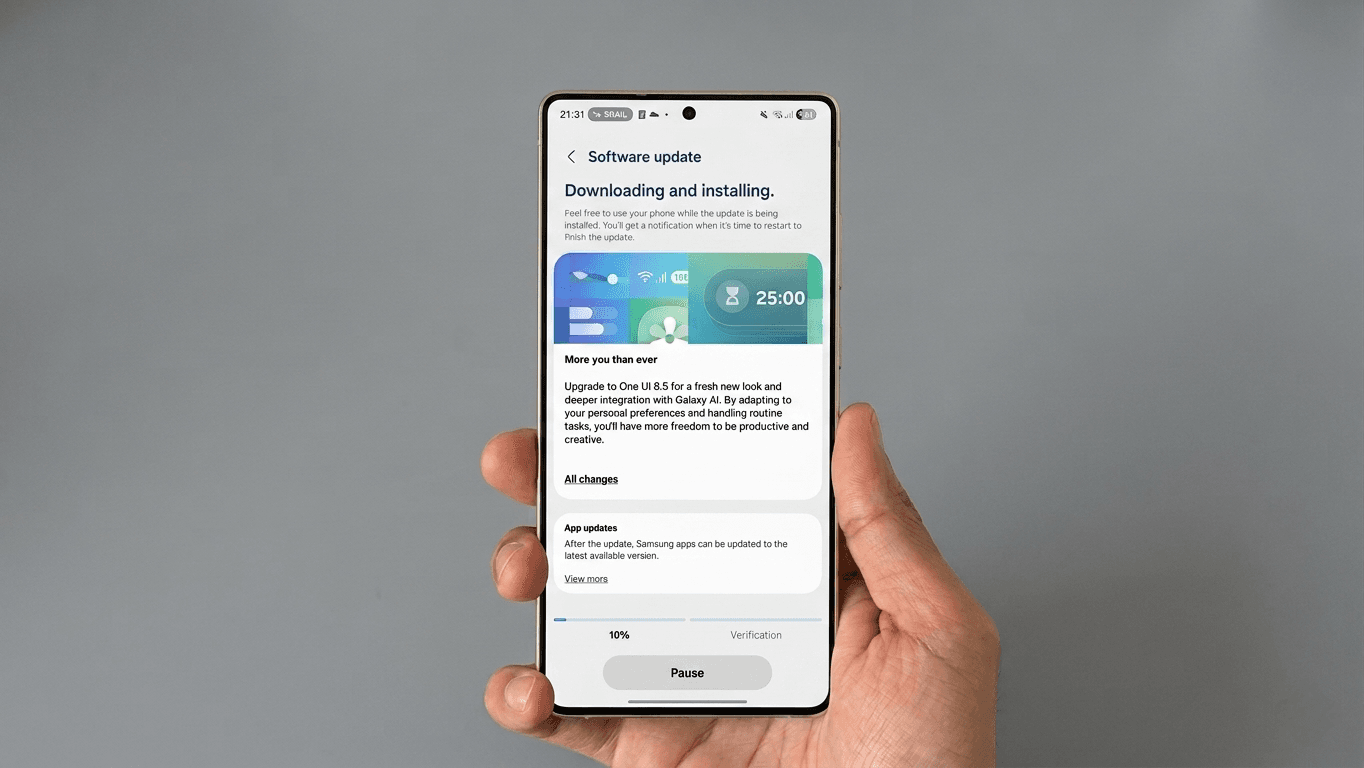

Samsung has officially started rolling out One UI 8.5, bringing a new update of software improvements focused on communication, productivity, and creative experiences across Galaxy smartphones and tablets.
The update first began rolling out in Korea on May 6, with more regions now joining the release schedule. Samsung has also started pushing the stable One UI 8.5 update based on Android 16 for the Galaxy S25 series in India, officially ending the beta program for eligible devices.
Users who previously enrolled in the One UI Beta program are now receiving the stable firmware update.
According to the rollout details, the latest build includes:
- One UI Version: 8.5
- Android Version: 16
- Update Size: Beta to stable is about 594MB. Upgrading from One UI 8.0 to 8.5 is approximately 4.4GB to 4.5GB, depending on the device.
- April 2026 Security Patch
Samsung says the update is designed to improve the overall Galaxy experience with refinements to system performance, smoother communication features, enhanced multitasking tools, and upgraded creative functions for supported devices.
Key changes include:
- Improved reachability with repositioned search bars
- Refreshed first-party apps such as Clock and Settings
- More flexible Quick Settings panel customization
- Quick Share support for iPhones
- Enhanced Photo Assist with text-prompt editing features
Devices Receiving One UI 8.5
The One UI 8.5 update is now available for the following Galaxy devices:
- Galaxy S25, S25+, S25 Ultra, S25 Edge, and S25 FE
- Galaxy S24, S24+, S24 Ultra, and S24 FE
- Galaxy S23, S23+, S23 Ultra, and S23 FE
- Galaxy Z Fold 7, Galaxy Z Flip 7, Galaxy Z Flip 7 FE, and Galaxy Z TriFold
- Galaxy Z Fold 6 and Galaxy Z Flip 6
- Galaxy Tab S11 and Galaxy Tab S11 Ultra
- Galaxy Tab S10 Plus and Galaxy Tab S10 Ultra
Countries Included in Today’s Rollout
Samsung has expanded the One UI 8.5 rollout to multiple countries, including:
- Canada
- China
- India
- United Kingdom
- United States
- Korea
- Poland
- Saudi Arabia
- Sweden
- France
- Indonesia
- Philippines
- Netherlands
- Taiwan
- Switzerland
- Africa
- Hongkong
- Austria
- Malaysia
More regions are expected to receive the update gradually over the coming weeks depending on device model and carrier availability.
Users can manually check for the update by heading to Settings > Software Update > Download and Install on their Galaxy devices.
Discover more from wazzuptechph
Subscribe to get the latest posts sent to your email.
