
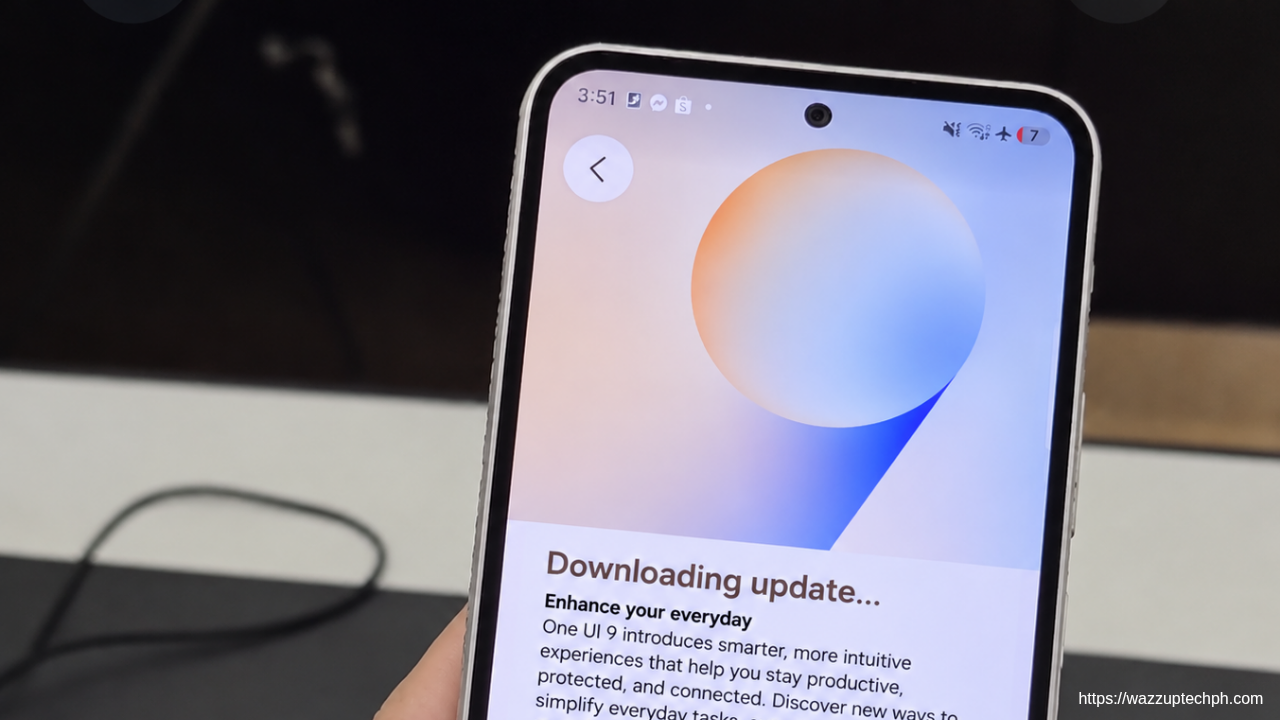
Samsung continues to improve its software experience, and the Galaxy A54 5G (SM-A546E) is now receiving One UI 9 based on Android 17. This update brings several changes to the interface, privacy features, Samsung Health, accessibility, and overall usability.
After updating my Galaxy A54 5G, one of the first things I noticed was the redesigned Lock screen clock and the additional customization options. While this isn’t a completely different experience, One UI 9 brings some useful improvements that make the phone feel more refined.
Update Information
- Device: Samsung Galaxy A54 5G (SM-A546E)
- One UI Version: One UI 9
- Android Version: Android 17
- Build Number: A546EXXUNGZJ5
- Release Date: November 2, 2026
- Security Patch Level: October 5, 2026
- Source: doc.samsungmobile.com
A More Customizable Quick Panel
One of the changes I appreciate most in One UI 9 is the improved Quick Panel customization.
Samsung now gives users more control over how the Quick Panel looks. The brightness and volume sliders can be resized, and the media player can also be adjusted to better suit personal preferences.
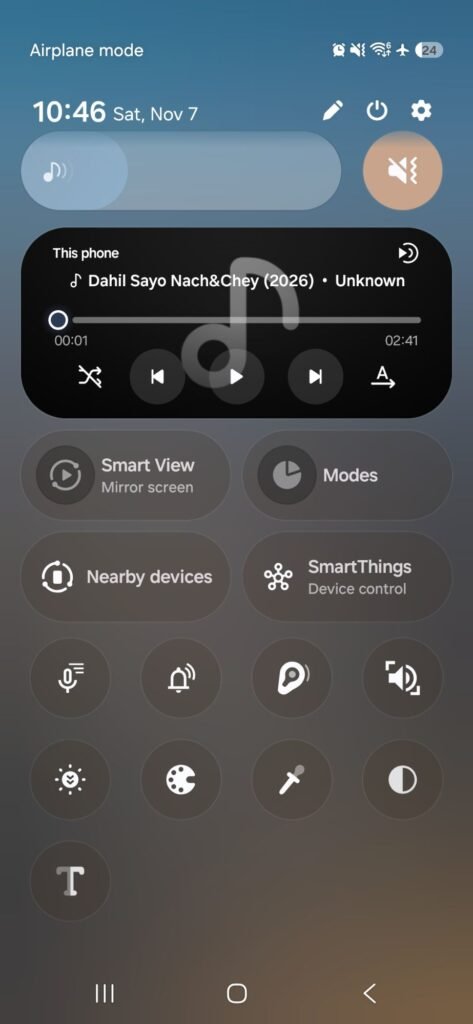
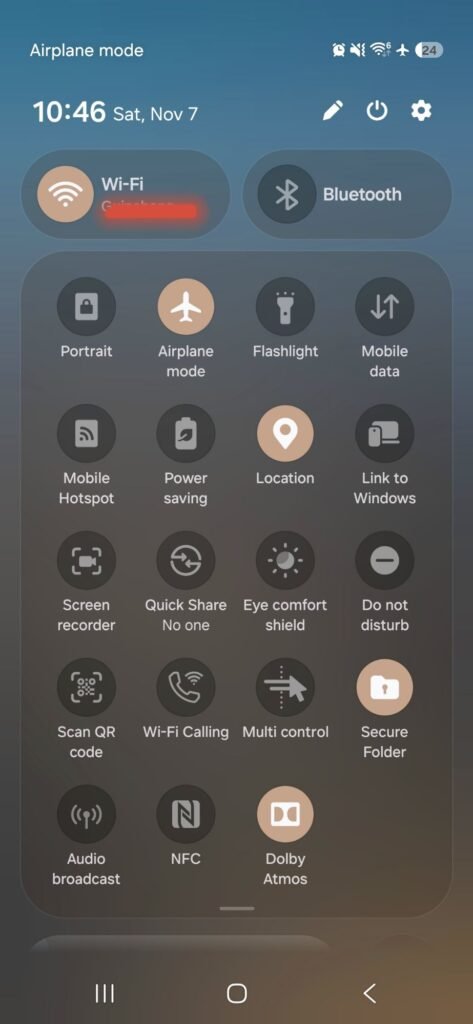
Another small but useful improvement is the ability to separate the sound mode button from the volume slider. It might seem like a minor change, but having more control over the layout makes the Quick Panel feel more personal.
For someone who regularly accesses these controls, this is a welcome improvement.
Better Privacy and Security
One UI 9 also introduces several useful privacy and security improvements.
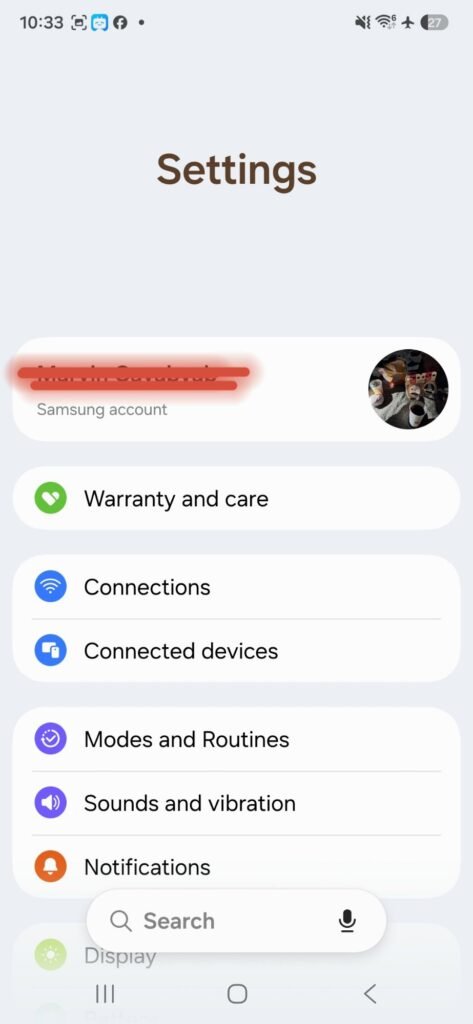
The new Warranty and Care section in Settings makes it easier to check warranty information, access diagnostic tools, and find information about maintaining the device.
I also like the new quick-lock feature. By pressing and holding the Volume Down and Side buttons together, or tapping the Power button in the Quick Panel, the phone can temporarily disable biometric unlocking for the next unlock attempt. This is particularly useful when you want additional privacy.
Another welcome addition is the blue location indicator. Whenever an app accesses your location, an indicator appears at the top of the screen. Tapping it through the Quick Panel lets you see which app is using your location.
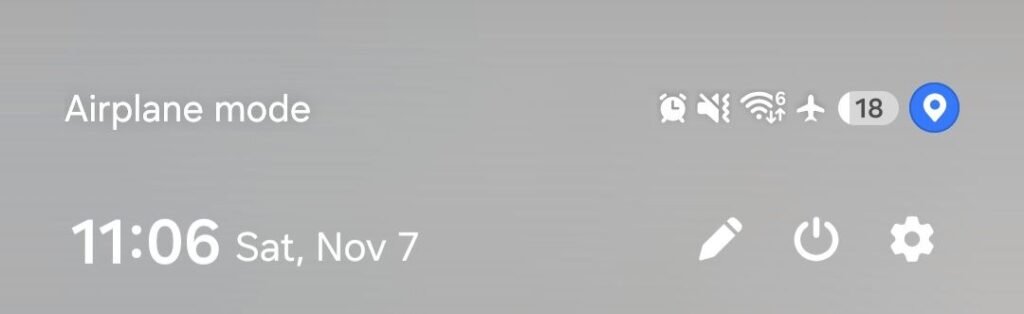
These are practical additions that make it easier to stay aware of what’s happening in the background.
Samsung Health Gets a Major Redesign
Samsung Health receives one of the more noticeable improvements in this update.
The application now has a refreshed interface with clearer charts and better organization of health information. Users can also customize their Health home screen by resizing cards and arranging them into categories such as Activity, Sleep, Mindfulness, and Nutrition.
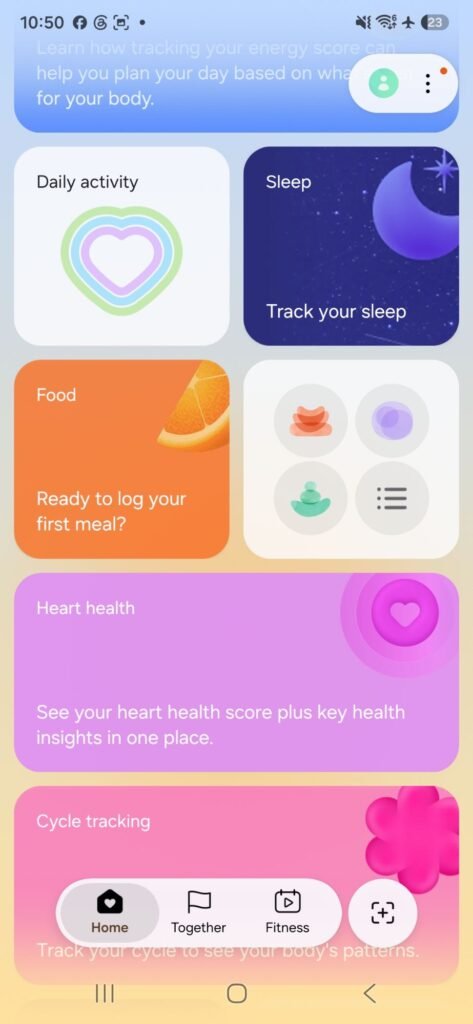
Logging information is also more convenient, with options to record meals, mood, and other health details directly from the home screen.
There are also improvements to trend analysis, sleep monitoring, heart health tracking, cardio load, and fitness measurements.
Some of these features rely on compatible Galaxy Watches or Galaxy Rings, so not every feature will be available to Galaxy A54 users using the phone alone.
Still, it’s good to see Samsung continuing to improve its health ecosystem.
Bixby Becomes More Organized
Bixby also receives a few quality-of-life improvements.
Users can now search through conversations, rename them, pin important chats, and delete previous conversations all at once.
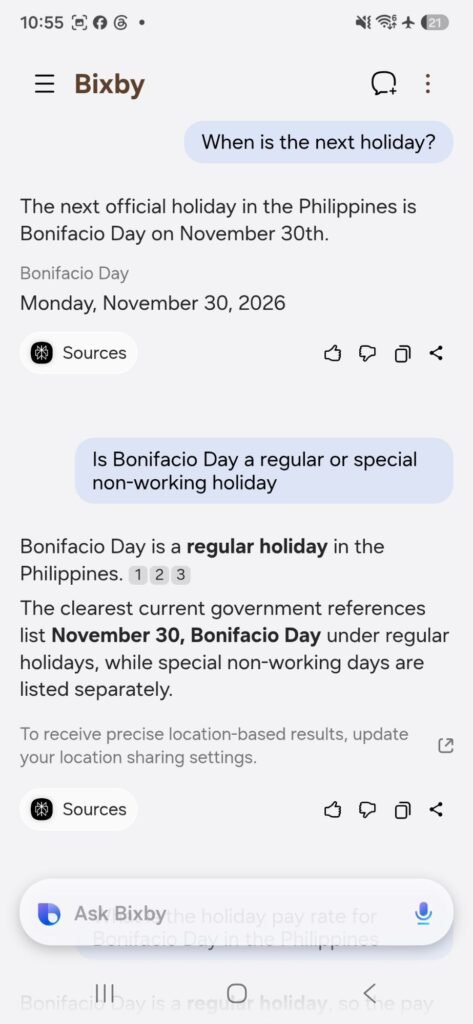
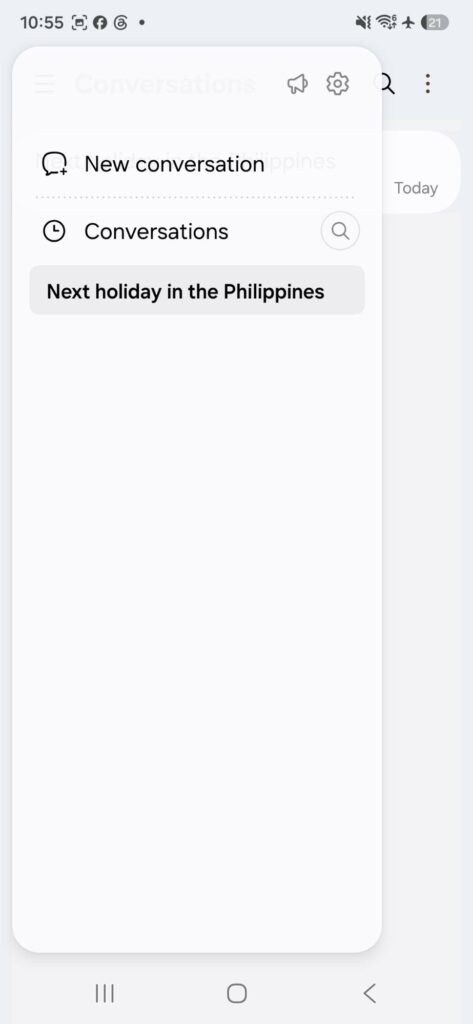
Samsung has also introduced a Bixby widget for the Home screen, allowing users to start a conversation through text or voice and access their conversation history more quickly.
These changes make Bixby feel more organized and convenient to access.
Accessibility Improvements
One UI 9 doesn’t forget users who depend on accessibility features.
The new Text Spotlight feature is particularly useful because it allows users to enlarge and highlight text on the screen in a separate window. Font size and colors can also be customized.
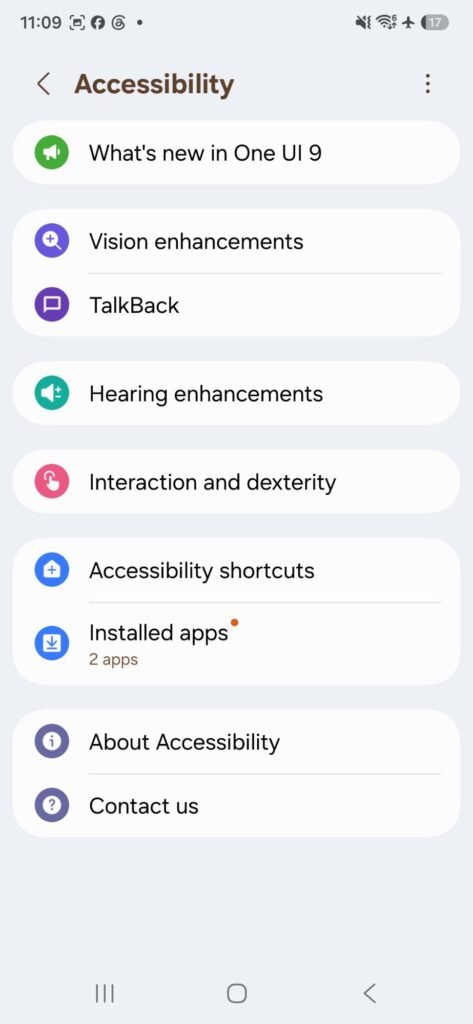
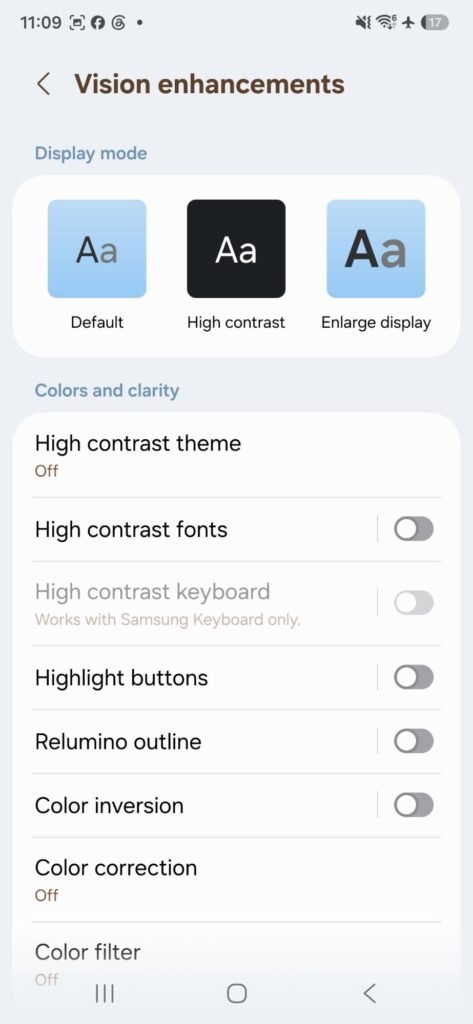
There are also improvements to physical keyboard shortcuts, Mouse Keys, Select to Speak, and TalkBack.
I appreciate that Samsung continues to make accessibility features easier to discover and use. These improvements might not be noticeable to everyone, but they can make a meaningful difference for people who need them.
A Fresh Look for the Lock Screen
Another small change that makes the phone feel refreshed is the redesigned default Lock screen clock.
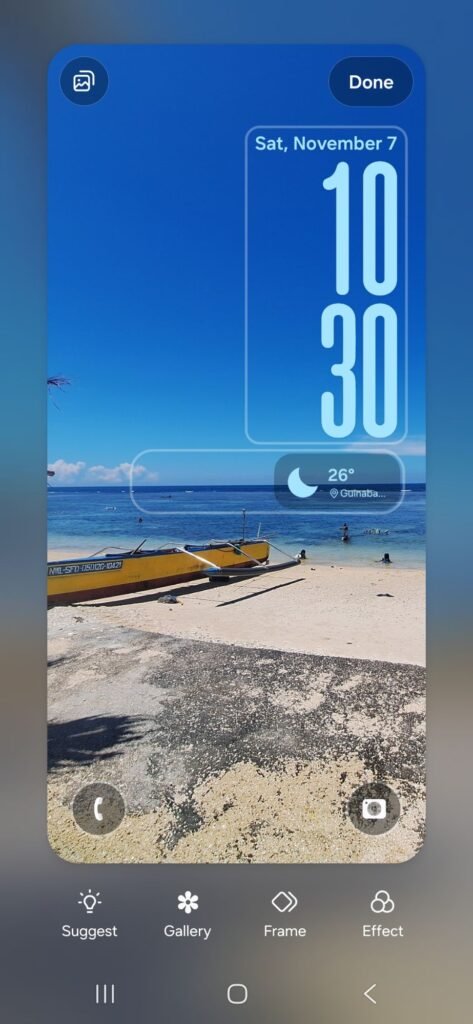
It now has a cleaner and more modern appearance that adapts to the wallpaper. It’s not a major functional upgrade, but it’s a nice visual improvement that makes the Lock screen look more polished.
My Overall Impression
Overall, One UI 9 feels like a refinement of Samsung’s existing software experience rather than a complete redesign.
The improved Quick Panel customization is one of the most useful changes, while the new privacy indicators and quick-lock feature add practical security improvements. Samsung Health also receives considerable attention, although some of its advanced features require additional Galaxy devices.
For the Galaxy A54 5G, it’s encouraging to see Samsung continuing to bring new software features to the device. Not every improvement will be something I use daily, but having more customization, better privacy controls, and a refreshed interface makes the update worthwhile.
Final Verdict: One UI 9 brings a collection of meaningful improvements to the Galaxy A54 5G. It may not completely change how the phone works, but it makes the overall experience feel more polished, customizable, and convenient. For Galaxy A54 owners, this is an update worth looking forward to.